PRIVATE • LOCAL • ACTIVELY DEVELOPED
Ana Offline desktop preview
— □ ×
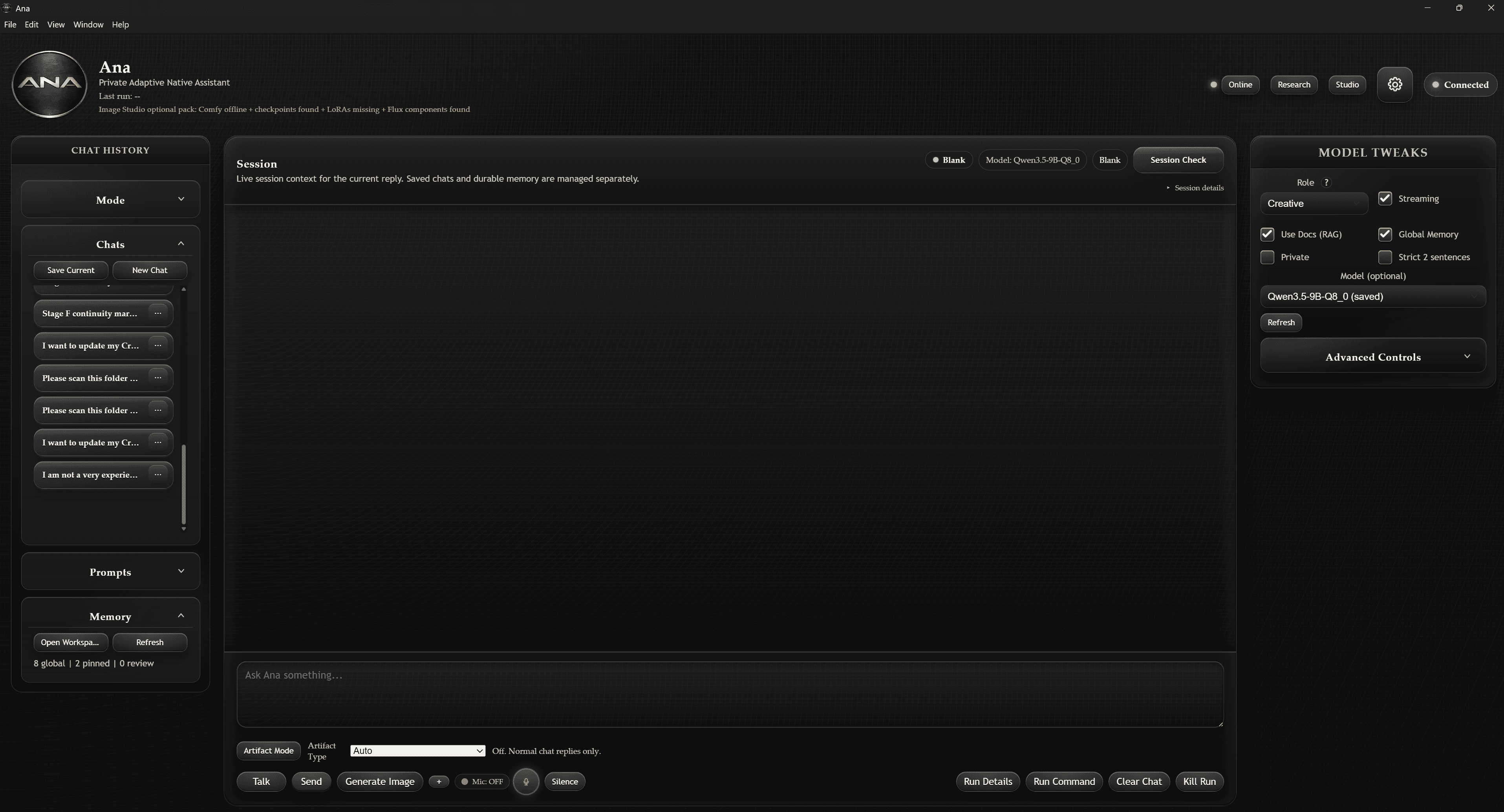
Local by default
Run compatible AI models and keep core work on your own hardware.
Project-ready
Organize coding, document, research, and creative workflows in one desktop workspace.
You stay in control
Choose what Ana saves, which models you use, and when optional online tools are enabled.
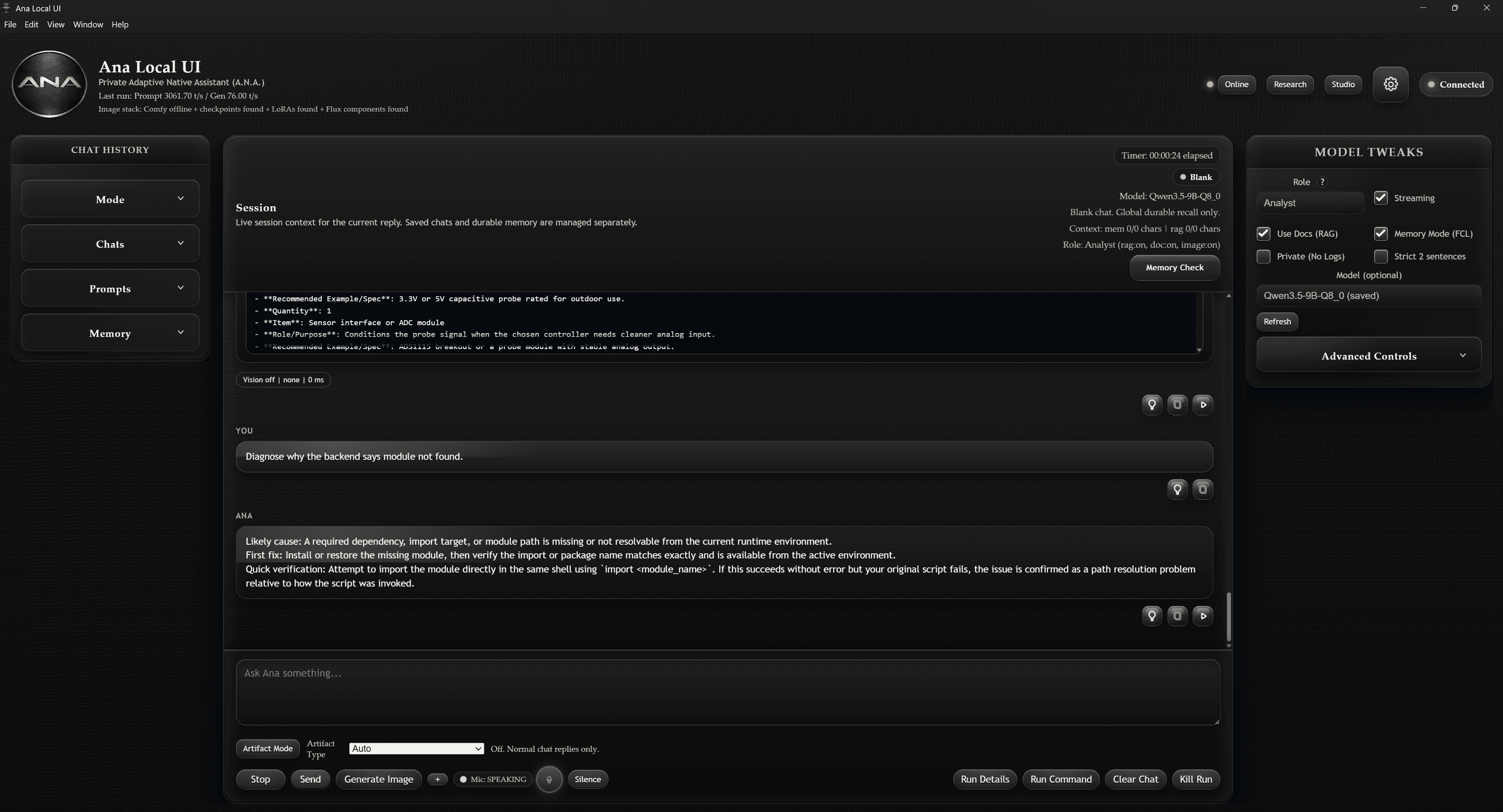
Coding & building
Plan, debug, and work through technical projects.
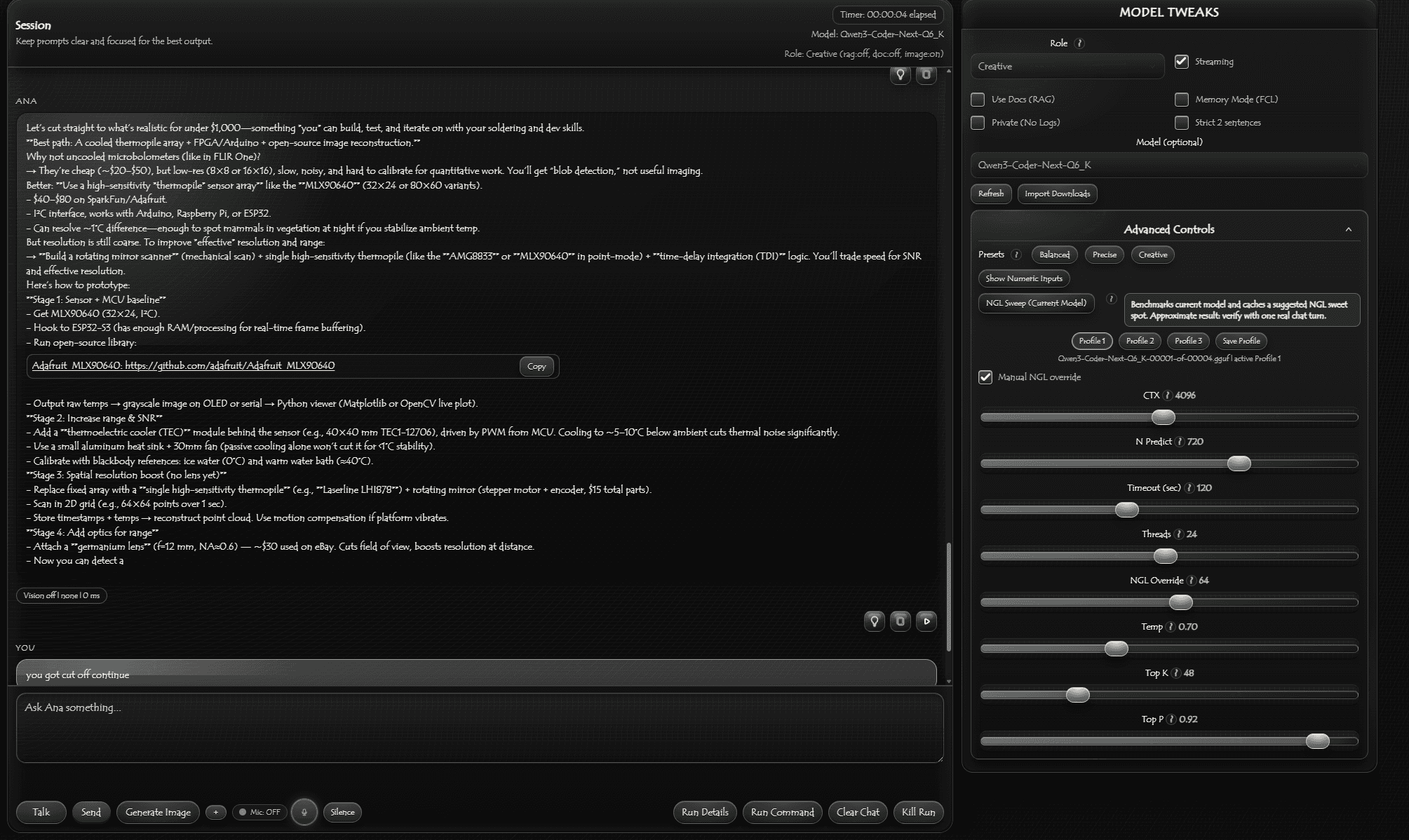
Documents & vision
Read documents, inspect images, and analyze screenshots.
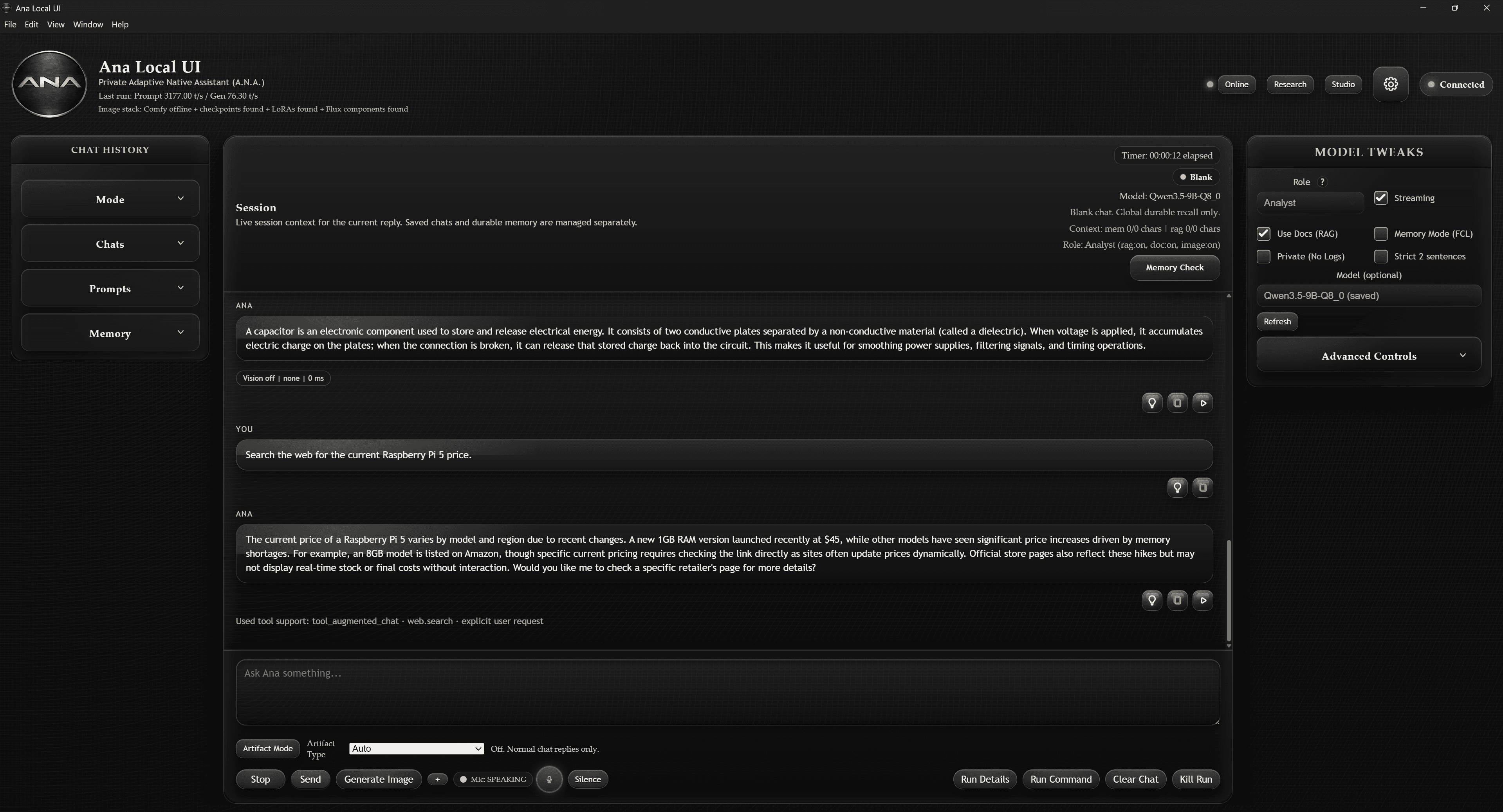
Local models & memory
Configure compatible models and manage private local context.
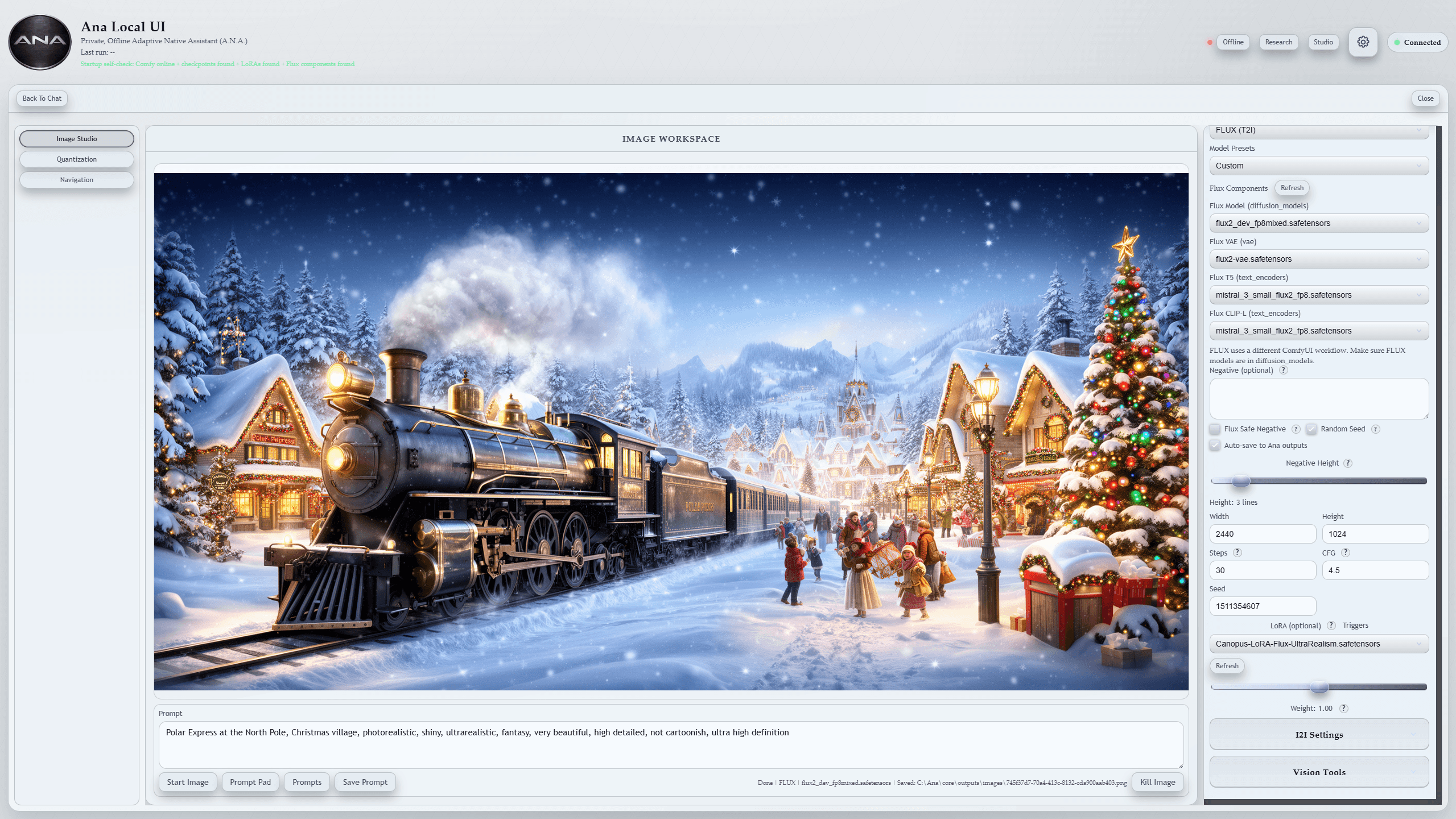
Creative workflows
Connect optional image-generation tools such as ComfyUI when you choose.
See all features →
Development is active
The product is being tested and refined across the desktop experience, local-model workflows, memory, documents, vision, and supporting tools. Progress and version notes are posted as development continues.
Honest status
Availability, requirements, and included features may change before release.
Core setup
Start with the desktop app and only the local models you need. Smaller systems can begin with lighter models.
Expandable setup
Larger models, image generation, and offline map data can require substantial storage and stronger GPU hardware.
Review setup guidance →
What is Ana?
Does Ana run locally?
Will every feature work offline?
What hardware will I need?
Read all FAQs →